
Never let a policy lapse.
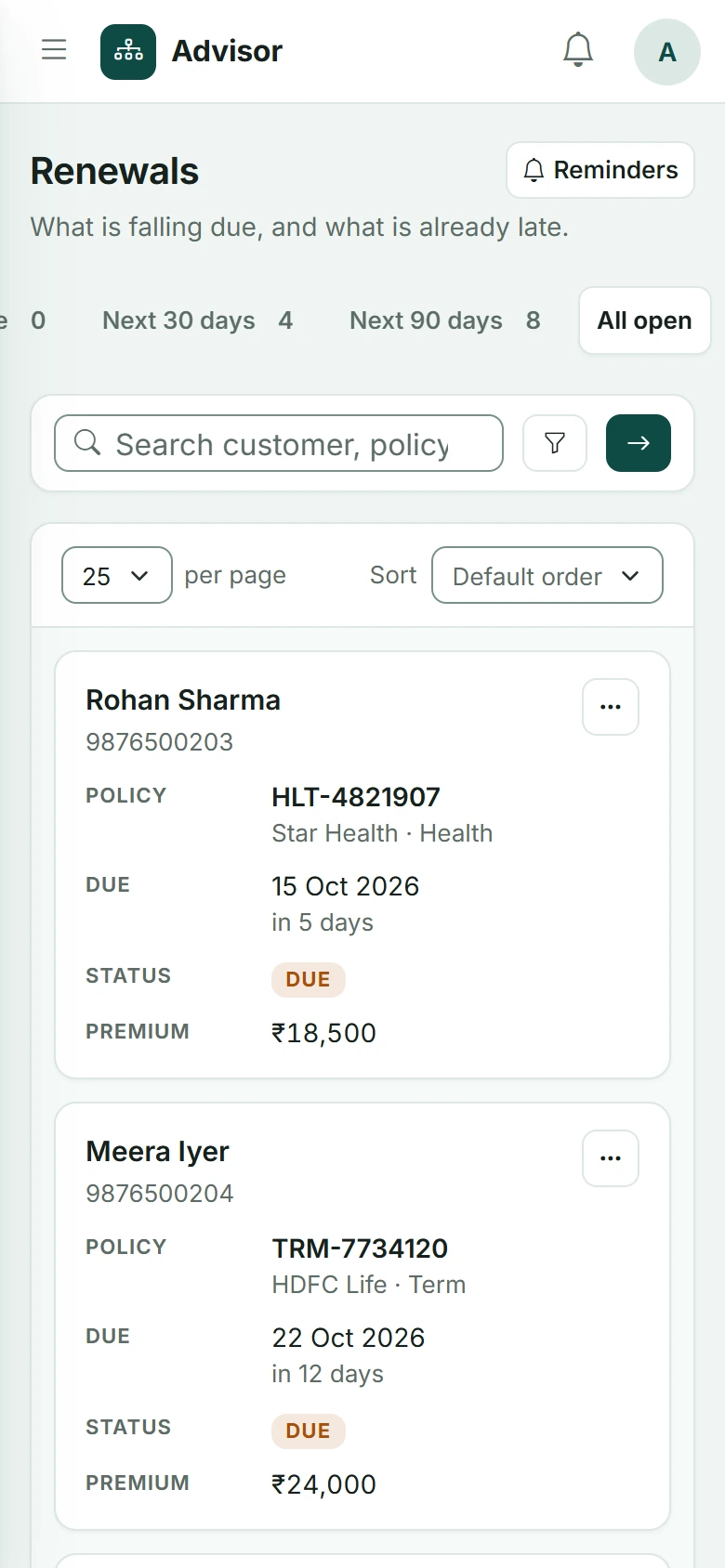
Add the policy, set the renewal date, and Advisend reminds you to reach out before it is due.
Start freeRenewal dates sneak up.
Dozens of policies mean dozens of dates. One missed reminder and a client you worked hard for is left uncovered, or quietly moves on.
From policy to renewal, step by step.
Four steps, and the last one loops back to the next renewal.
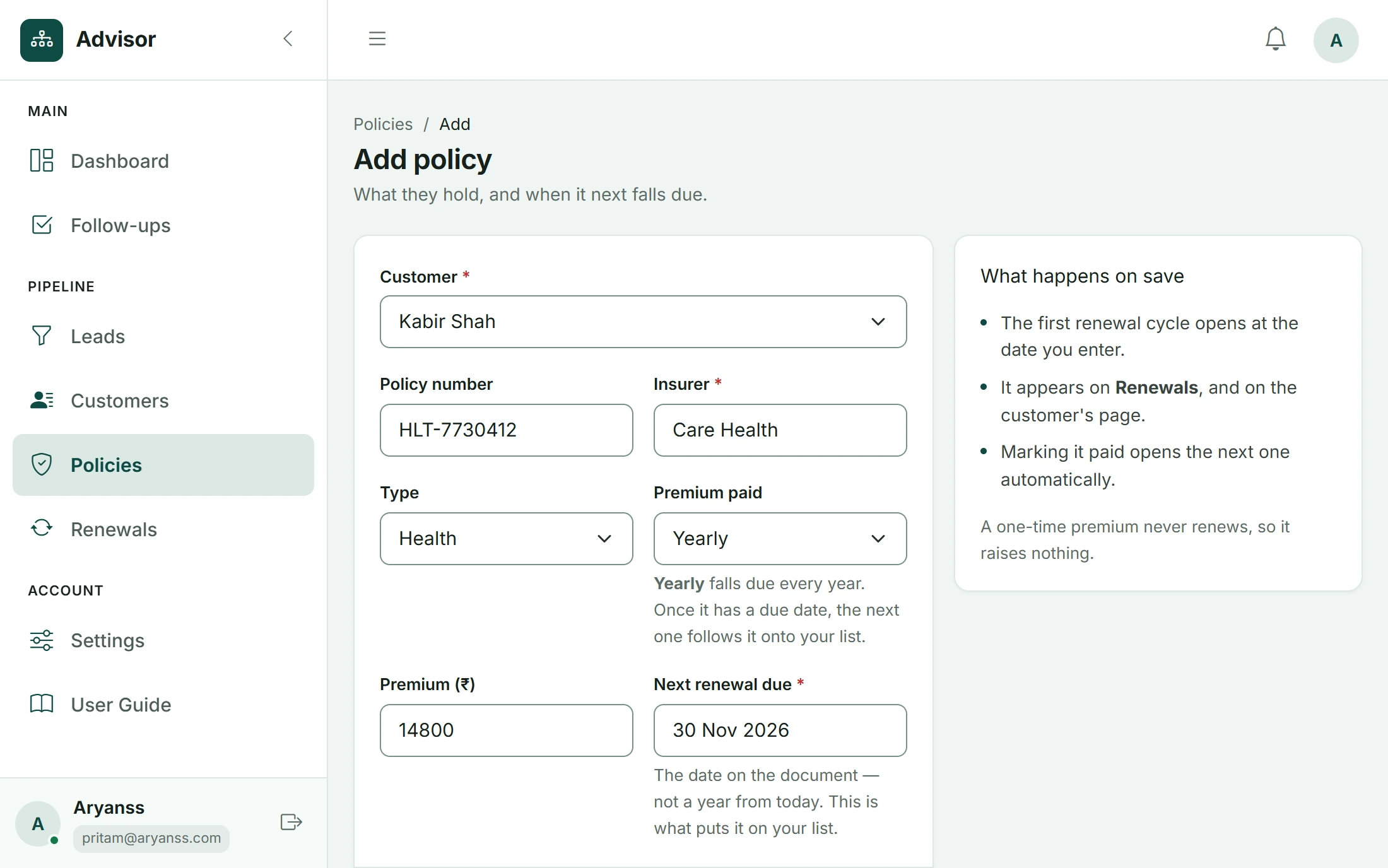
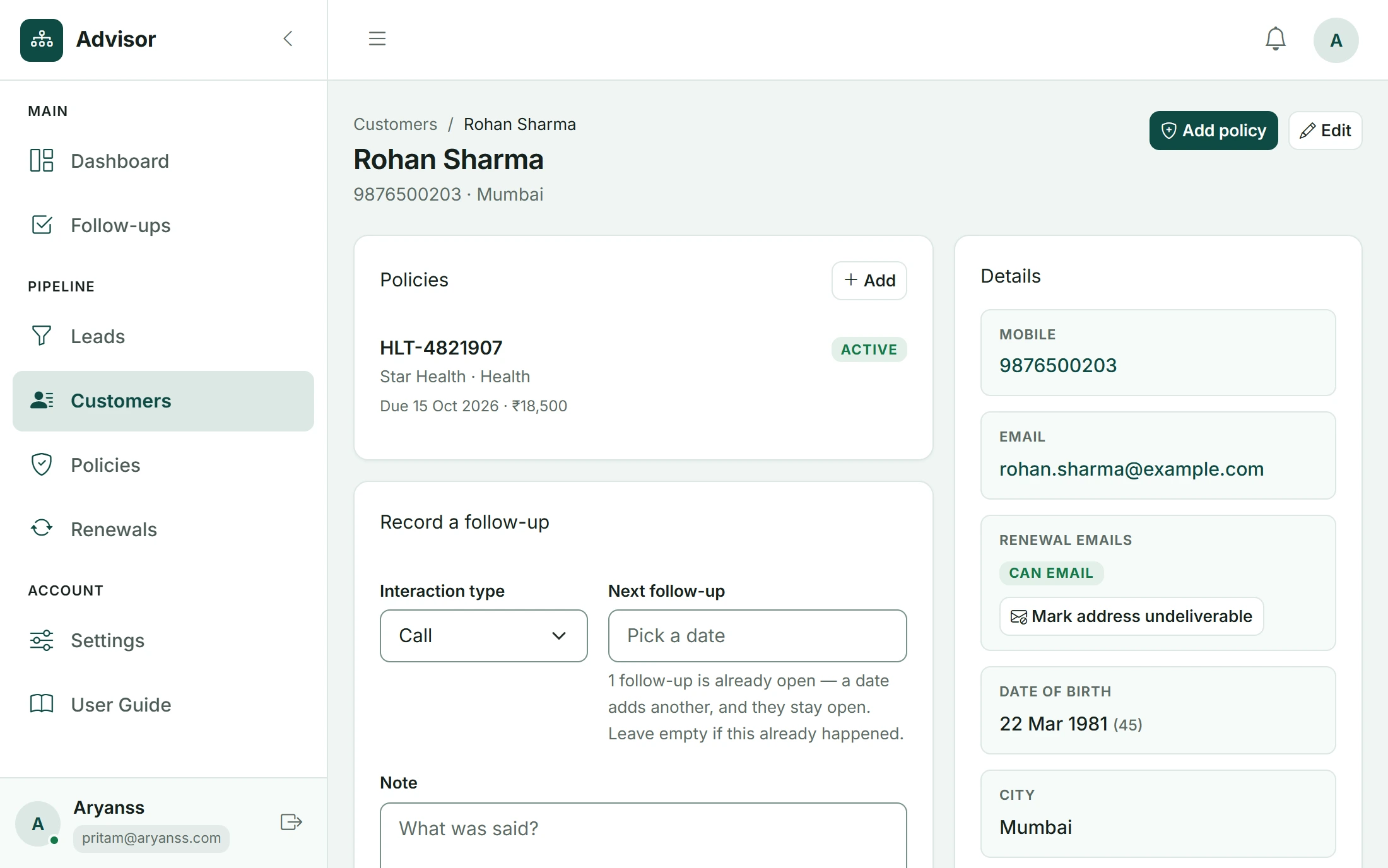
Add the policy
Client, policy and the renewal date. That is all.
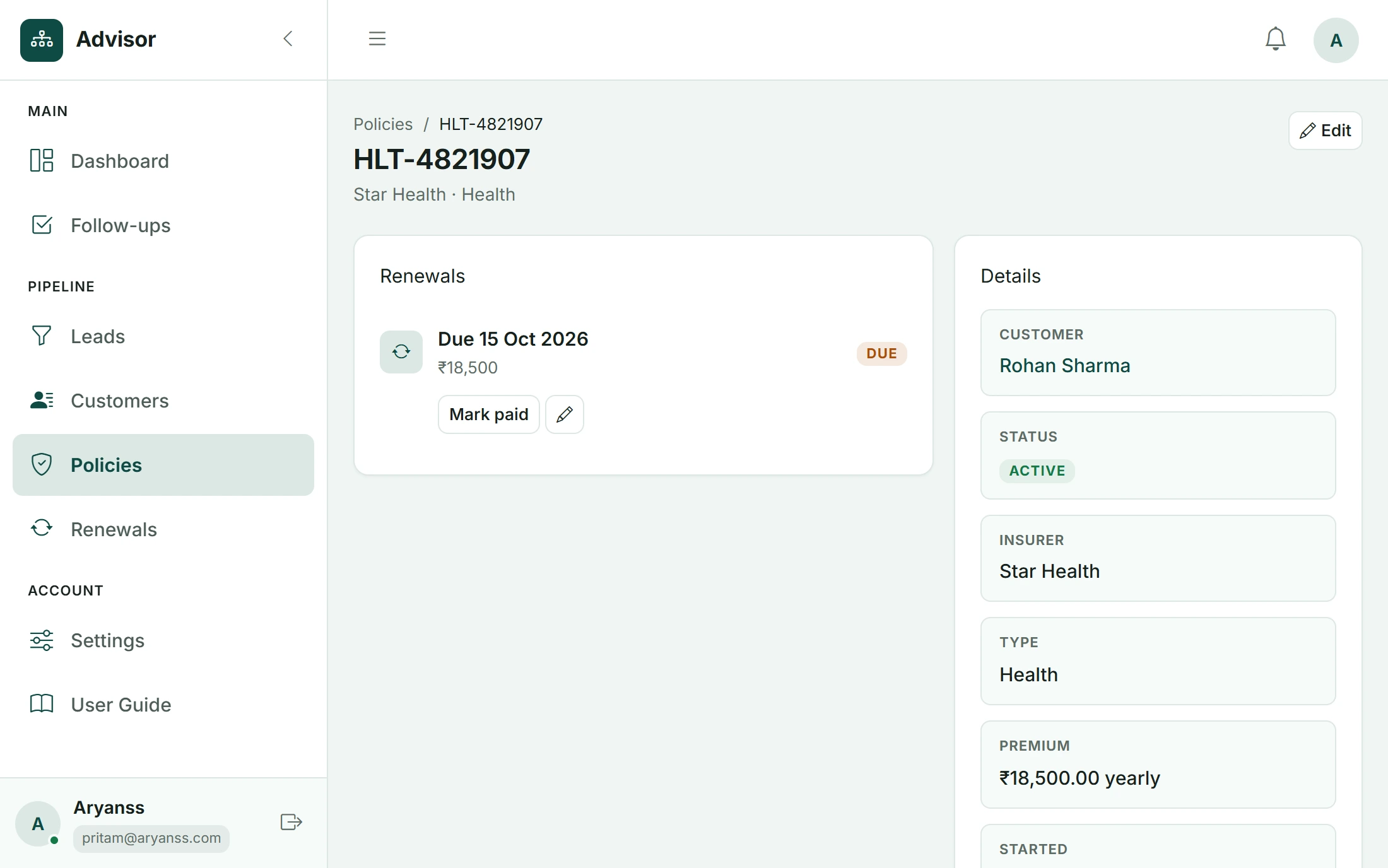
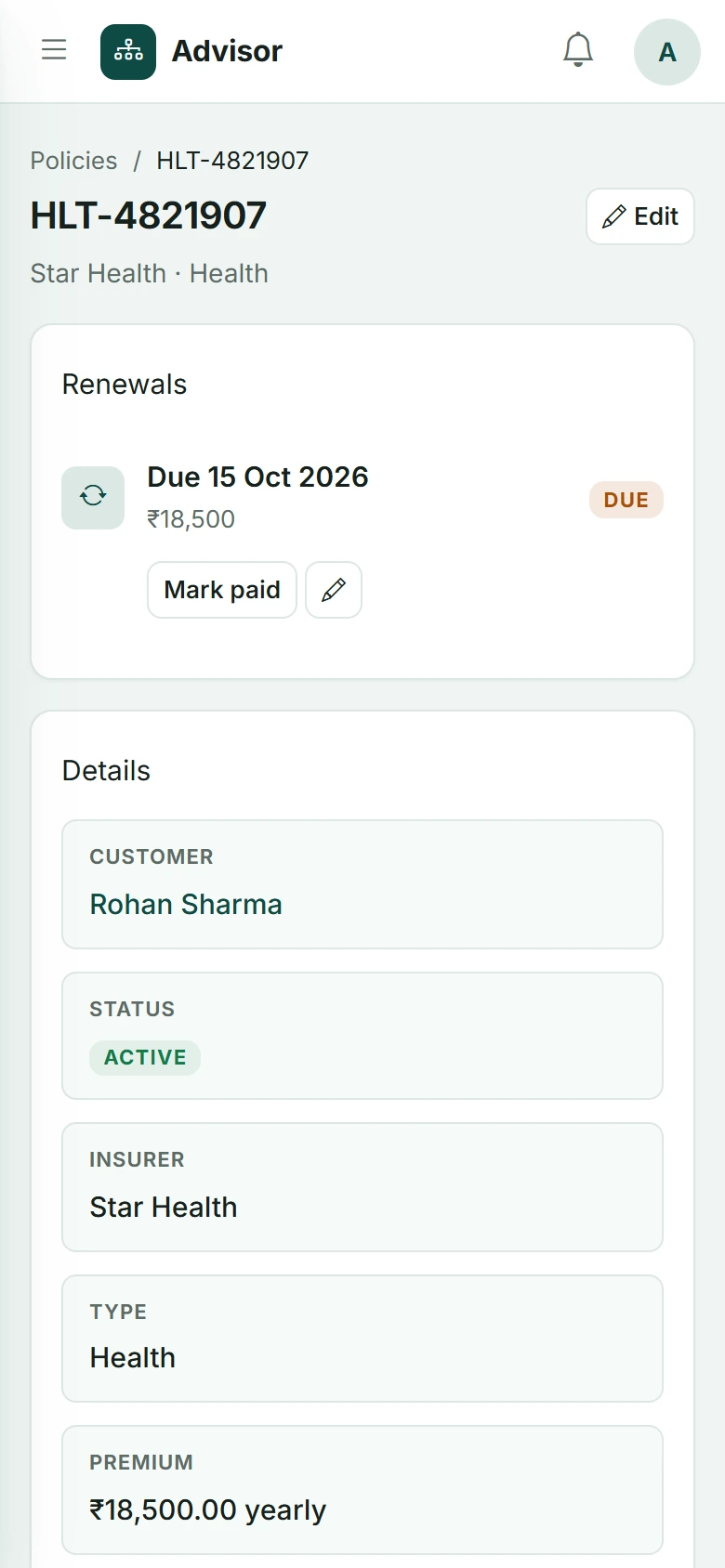
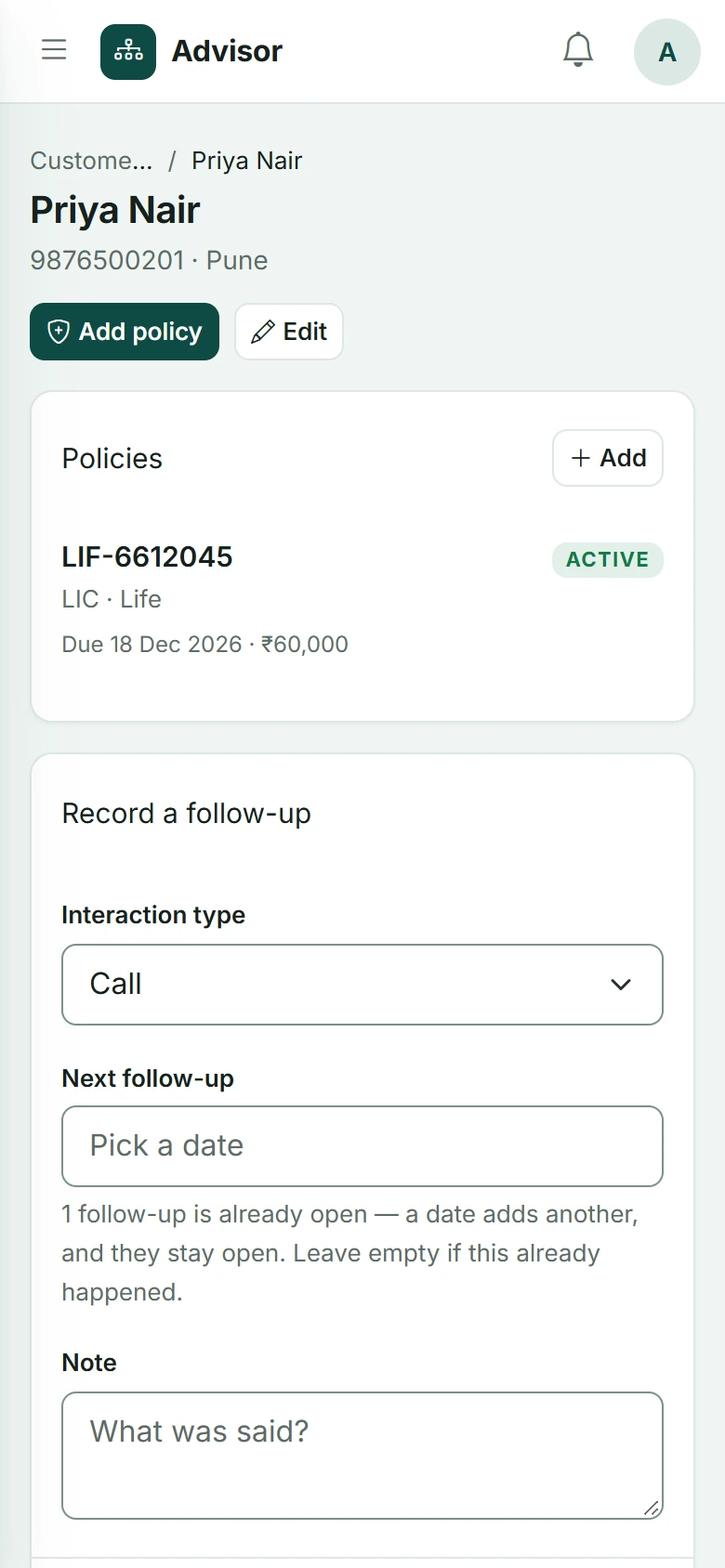
Set the renewal date
Advisend keeps the date, so you never have to.
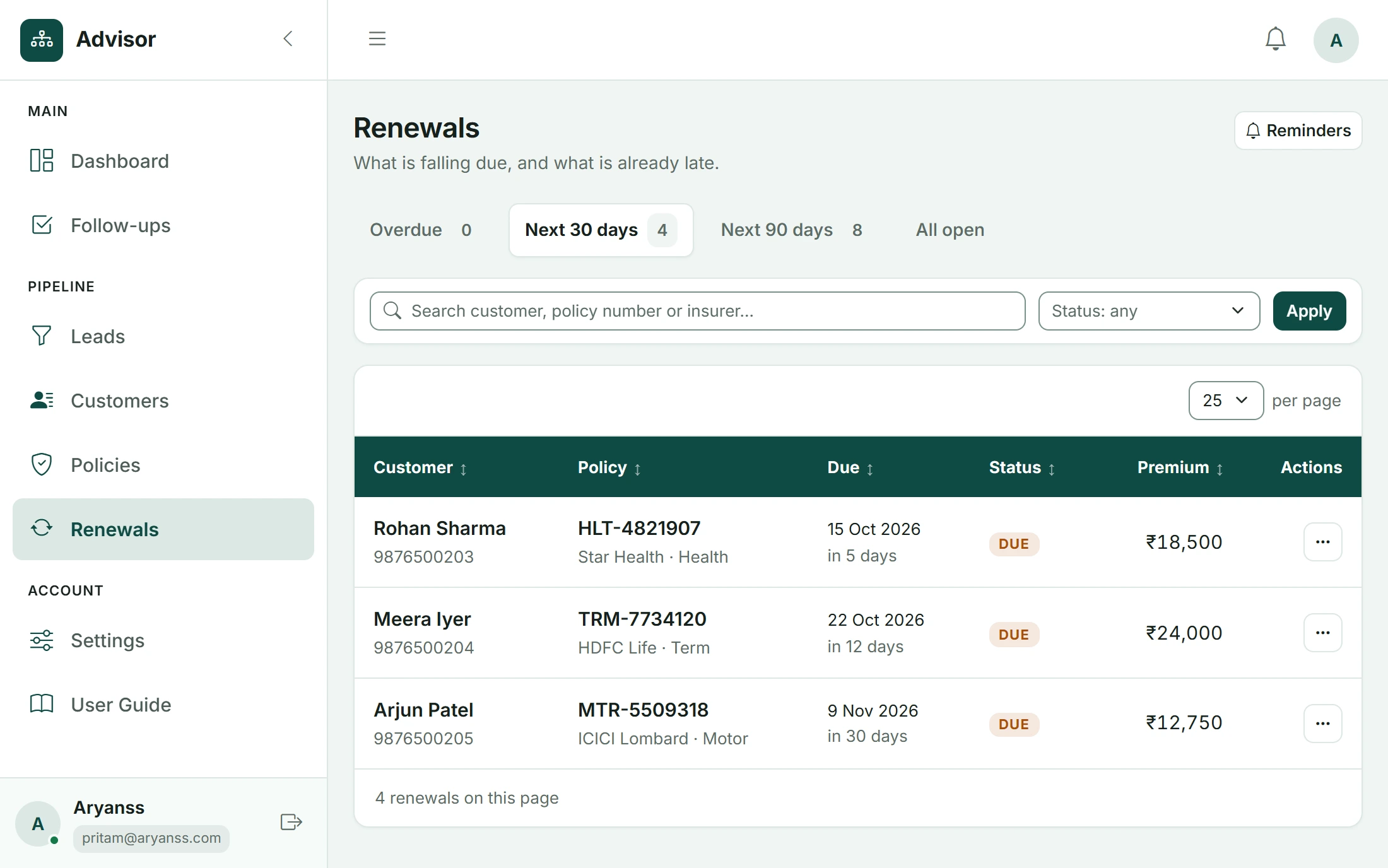
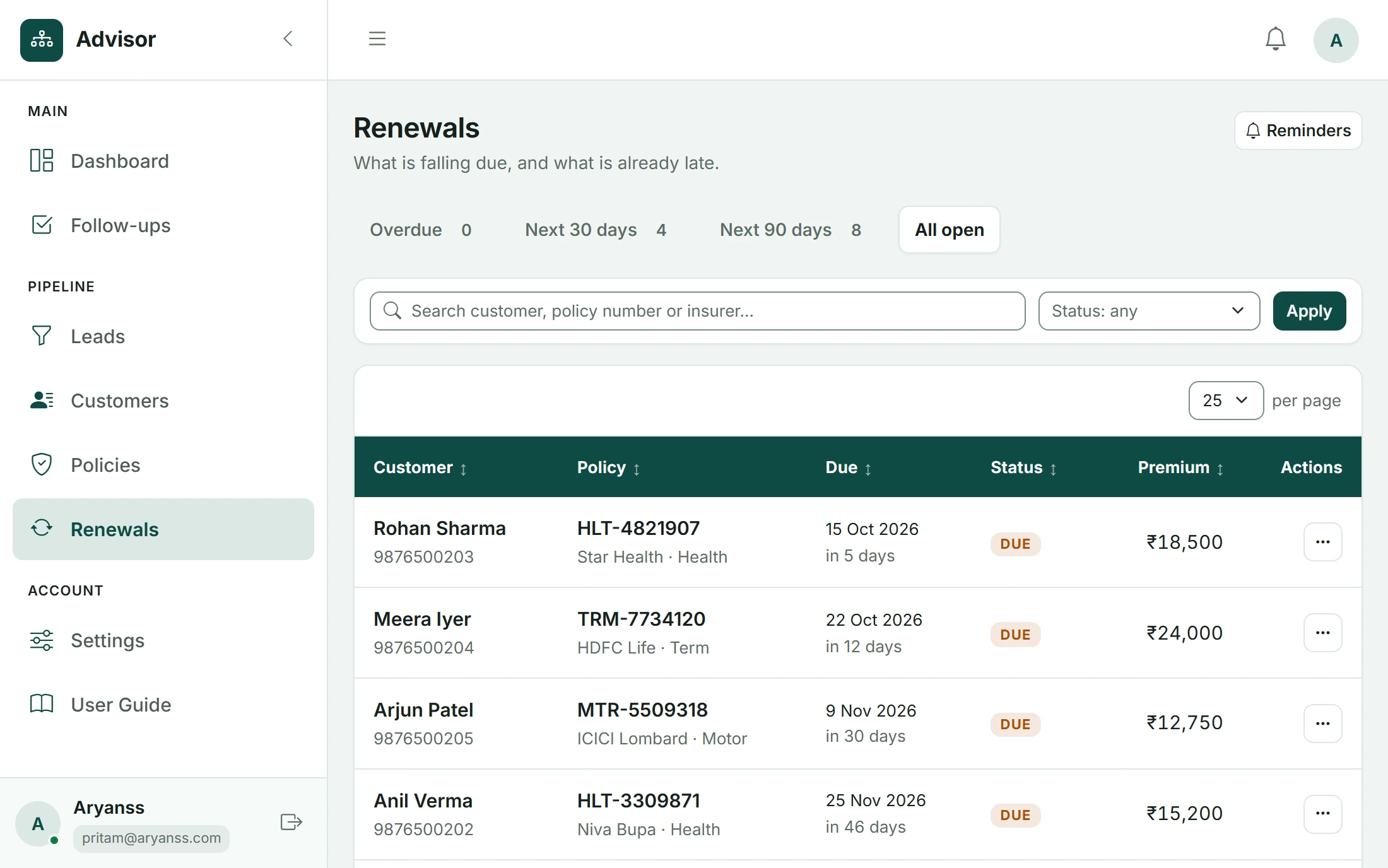
Get reminded before it is due
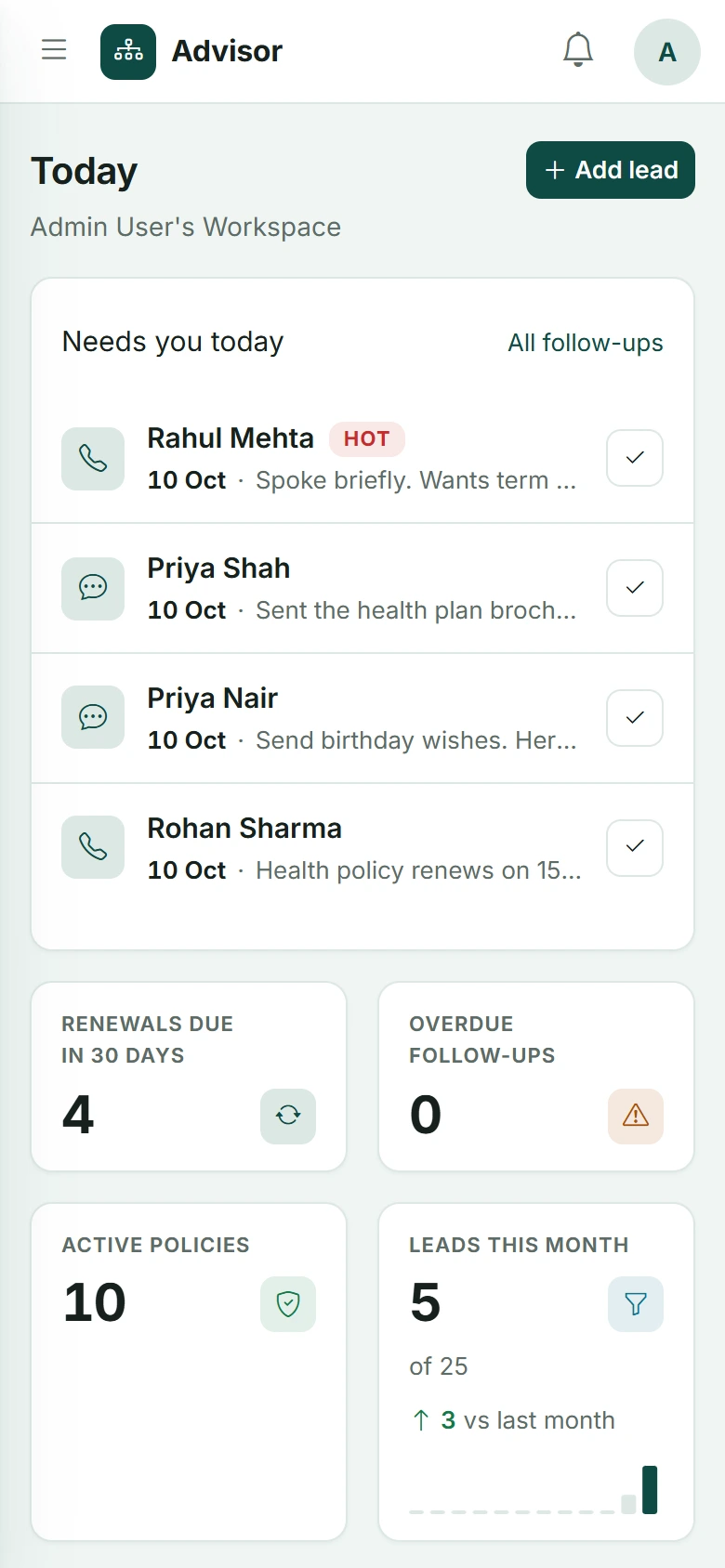
Open Today and see which renewals are coming up.
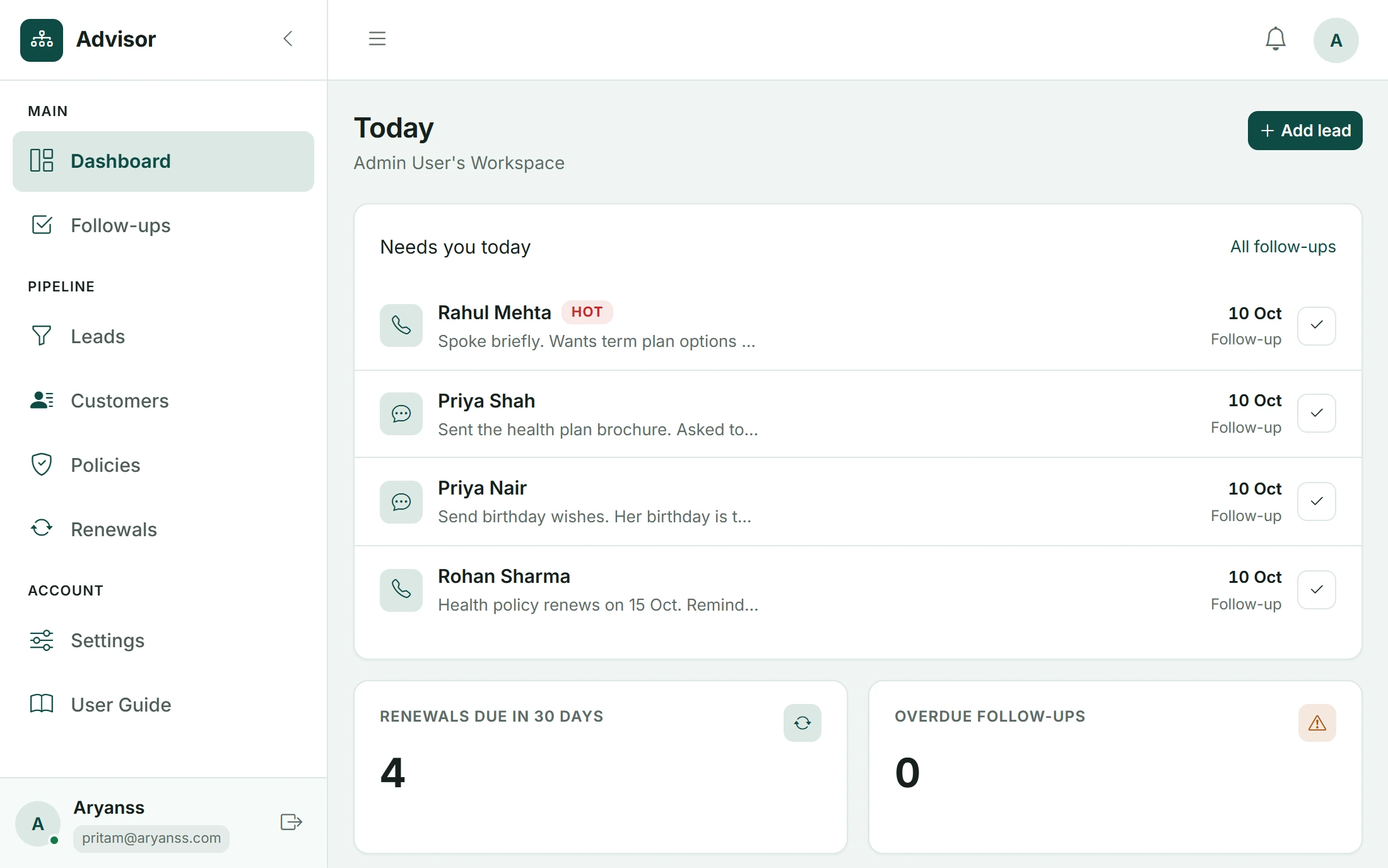
Reach out and renew
Make the call. Then set the next renewal date.
What keeps every client covered.
Related guides
Insurance Renewal Tracker in Excel and Google Sheets: Download the Template
A ready-made Excel renewal tracker that counts the days left, colours every policy by urgency and shows who to call today. Works in Excel and Google Sheets.
Updated 27 Oct 2026Complete guideInsurance Renewal Management for Agents: The Complete System
A complete system for insurance agents and brokers to track every renewal, remind clients on time, handle the ones who delay, and keep policies in force. With a timeline, templates and a 30-day setup plan.
Updated 27 Oct 2026GuideThe 90-60-30-7 Renewal Reminder Timeline (With Exact Actions)
What to do 90, 60, 30 and 7 days before a renewal, and on the due date: the exact message, the exact action, and why each step is there.
Updated 27 Oct 2026Anything else you’re wondering?
Is it free to start?+
Yes. No card needed. Start free in minutes.
Can I see all upcoming renewals at once?+
Yes. Every upcoming renewal sits in one list.